
Guild Settings
The top-level server config page. Covers global preferences and per-server defaults.
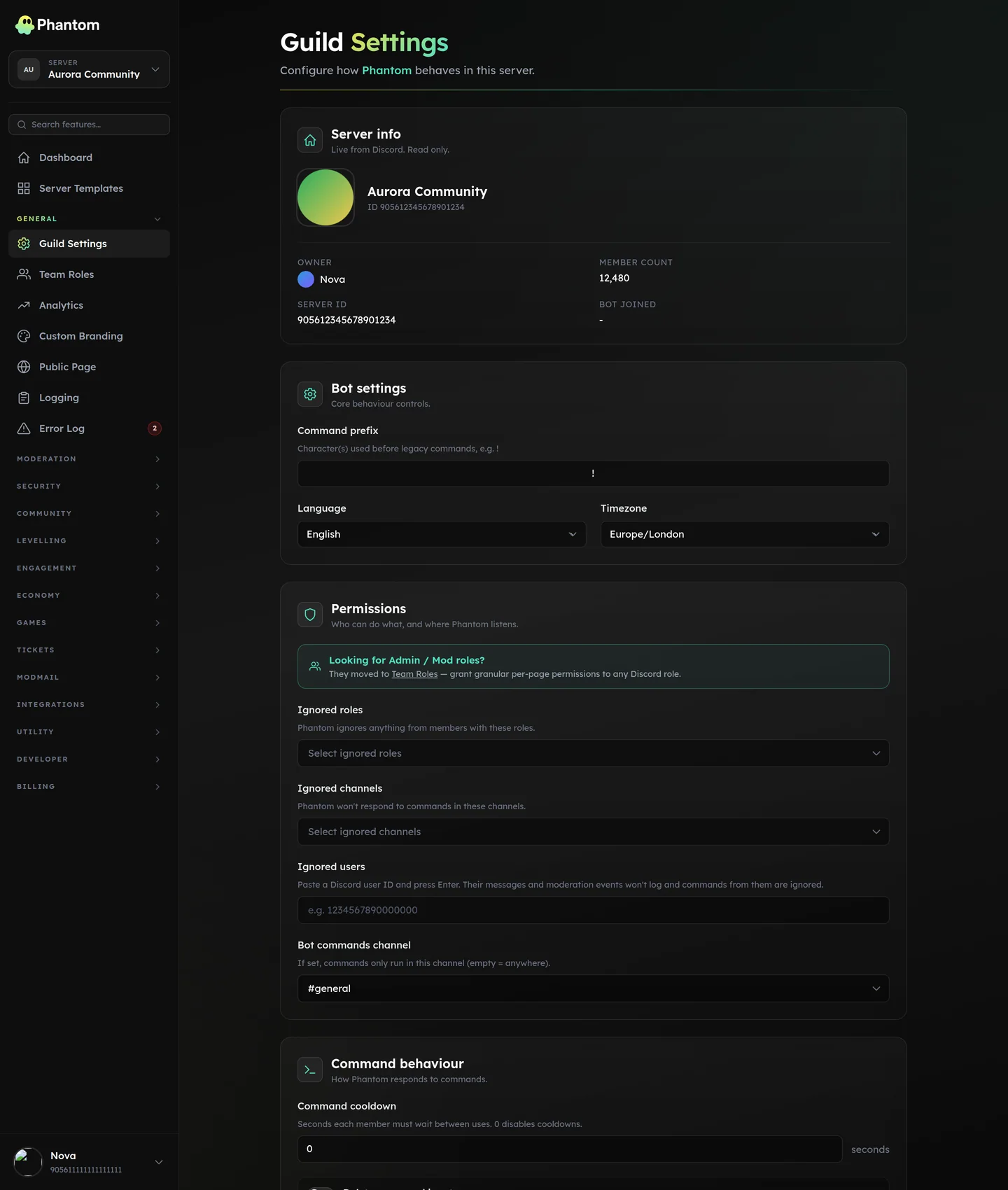 General → Guild Settings.
Where it lives
Dashboard: General → Guild Settings.
Sections
Basics
- Bot nickname — override the bot's display name in this server.
- Accent color — used on default embeds.
- Language — UI strings on the dashboard.
- Timezone — drives every "due at X" / "next post at X" timestamp display + scheduled-message firing times.
- Command prefix — for legacy text-command support.
Permissions (legacy)
Two pickers that used to live here have moved:
- Admin roles → moved to Team Roles.
- Mod roles → moved to Team Roles.
Any old admin / mod roles you'd configured still grant access as a fallback if no team roles are set up, but Team Roles is the authoritative source going forward.
Ignored channels / users / roles
- Ignored channels — Phantom skips command + automod processing in these channels. Useful for off-topic bot-spam channels.
- Ignored users — paste Discord user IDs. Their messages don't log; commands from them are ignored. Useful for muting a noisy bot.
- Ignored roles — members holding these roles are treated as ignored.
Bot behaviour
- Bot commands channel — when set, members can ONLY run slash commands in this channel (admin bypass).
null= anywhere. - Command cooldown (seconds) — global cooldown between commands per member.
- Delete command input — auto-delete the member's slash-command invocation after the bot replies.
- Ephemeral responses — make bot replies ephemeral (only visible to the invoker) by default.
Modules
- Module toggles — per-module enable/disable. Lets you turn off entire modules without uninstalling.
Permissions
guild.view— see settingsguild.edit— change settings
Tips
- Set timezone before scheduling anything. The default is UTC, which is rarely what you want for scheduled messages or trivia.
- Use
bot_commands_channelfor high-traffic servers where slash commands clutter your main channels. - Don't add too many ignored channels. The list is small; "modes" (allow / deny entire channel groups) are cleaner via channel-permission overwrites.
Related pages
- Team Roles — where Admin/Mod roles live now
- Custom Branding
- Logging