
FiveM Integration
Connect a FiveM game server to your Discord. Surfaces live player counts and server info via Phantom panels + channel stats.
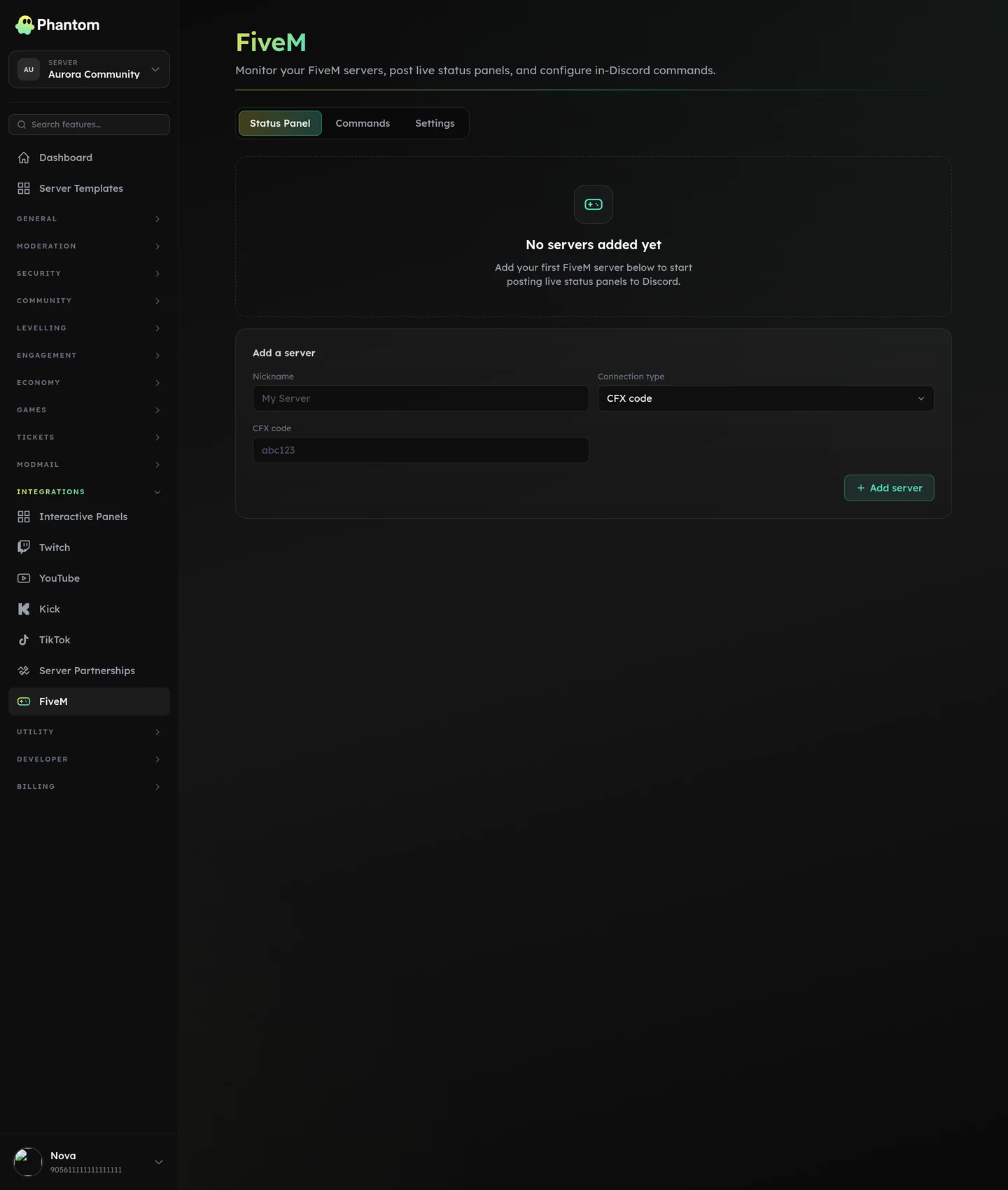 Integrations → FiveM.
What you get
- Server status panel — a Discord embed showing live player count, max slots, server name, current game mode. Auto-refreshes.
- Channel Stats placeholders —
{fivem_players},{fivem_max}for Channel Stats. - Per-server config — connect multiple FiveM servers to one Discord (rare but supported).
Where it lives
Dashboard: Integrations → FiveM.
Setup
- On the FiveM page, click Add server.
- Choose connection type:
- cfx — paste your
cfx.reserver code (the public short-code from your server's cfx page). - direct — paste the server's
IP:port. Phantom polls your server directly.
- cfx — paste your
- Give it a nickname (for the dashboard).
- Save.
- Optionally Deploy panel — picks a channel, posts a status embed there. The embed updates every few minutes.
Settings
| Setting | What it does |
|---|---|
| Nickname | Dashboard label. |
| Connection type | cfx or direct. |
| CFX code | When type = cfx. |
| Server IP / port | When type = direct. |
| Panel channel | Where the status embed lives. |
| Panel config | Embed customisation (title, colors, fields to show). |
Network safety
Phantom only connects to publicly-reachable FiveM servers — internal or private network addresses are blocked.
Permissions
fivem.view— see the page + statusfivem.edit— add / remove servers, deploy panels
Limits
- 3 FiveM servers per guild.
Behaviour
- Panel embed updates ~every 60 seconds (configurable).
- A poll failure (server offline) marks the panel as "offline" rather than disappearing.
- Channel Stats placeholders use the most recent poll result (so they show "0/64 (offline)" when the server is down).
When auto-updates pause
A FiveM server going offline is normal and the panel just shows it as offline. What isn't normal is Discord refusing the update itself — the panel channel was deleted, the bot lost access to it, or a custom bot's token was revoked.
None of those get better on a retry, so after three consecutive rejected updates Phantom stops refreshing that panel and leaves it alone. The FiveM page shows an "Auto-updates paused" note on that server with the exact Discord error, and staff get one message in the error log rather than a new one every hour.
Polling your game server carries on the whole time, so Channel Stats placeholders and the dashboard stay current. It's only the Discord embed that freezes.
To resume: fix whatever Discord was rejecting — usually the channel or the bot's View Channel / Send Messages permission there — then click Update panel (or Post to Discord if the panel is gone) on the FiveM page. A successful deploy clears the pause and puts the panel back on the poller.
Related pages
- Channel Stats — the
{fivem_*}placeholders