
User Lookup
A one-shot consolidated view of everything Phantom knows about a single member of your server. Useful when a report comes in and you want context before reaching for the ban hammer.
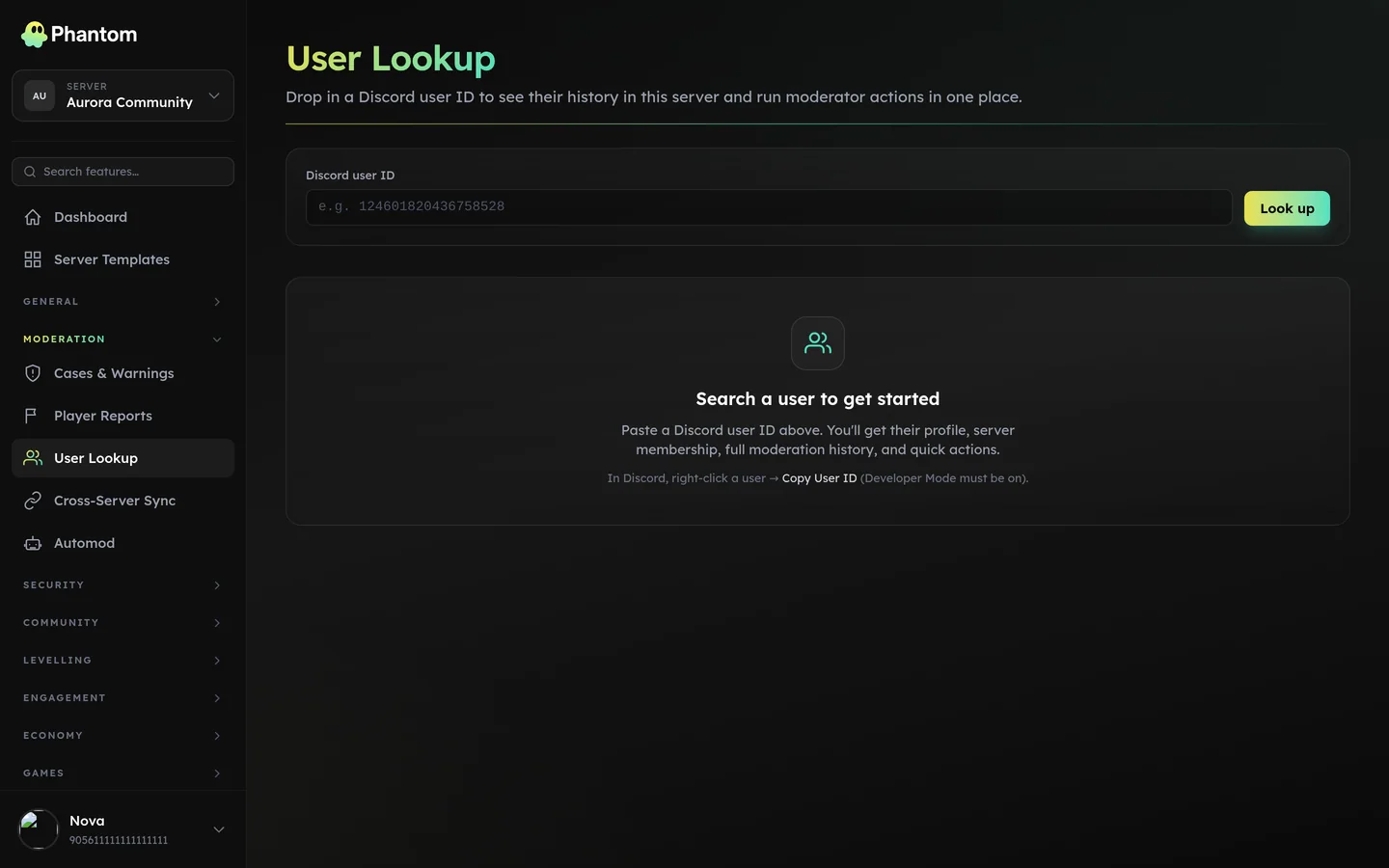 Moderation → User Lookup.
Where it lives
Dashboard: Moderation → User Lookup. Type the user's Discord ID or username, hit Enter.
What you see
- Identity — username, display name, avatar, account creation date, server join date, current roles.
- Moderation history — every case (warns, kicks, bans, timeouts, notes) with timestamps and the issuing mod.
- Warnings count — active warnings + how many drop off when (per warning_lifetime_days).
- Automod hits — recent automod triggers attributed to this user.
- Levelling stats — current XP, level, rank in server.
- Economy — wallet balance, total earned, total spent.
- Tickets — open + closed tickets they've opened.
- Invites — invites they've sent and who they invited.
Quick actions
Each card has the relevant mod action inline so you don't need to switch pages:
- Quick Warn / Kick / Ban / Timeout buttons (gated by your per-action Team Roles permissions —
moderation.kick,.ban, etc.) - Direct DM (uses the bot to send).
- "Add internal note" — writes a
note-type case row visible only to staff. - Jump to any historical case.
Sentrix
If this Phantom instance has a Sentrix partnership, every lookup also shows a Sentrix panel: whether the account is flagged on the Sentrix network, and in which categories — cheating, leaking, scamming, raiding, spam, harassment, NSFW, impersonation, malware.
There is nothing to switch on. Where the integration exists it is simply part of the lookup, like the case history beside it. On an instance without a Sentrix partnership the panel doesn't appear at all.
How to read it. A flag is one network's assessment of an account across the whole of Discord. It is not proof, and it is not a record of anything that happened in your server — weigh it alongside the case history on the same page rather than acting on it alone.
If Sentrix can't be reached, the panel says so rather than showing a clean result. "Couldn't check" and "not flagged" are different answers and the page never confuses the two.
Permissions
moderation.viewto open this pagemoderation.warn/.kick/.ban/.timeout/.case_editper-button
A team-role member with only moderation.view and moderation.warn sees the page in full but can only press the Warn button — the others are disabled with a tooltip explaining why.
Common workflows
- Report investigation — paste the ID, scan the moderation history, decide on an action.
- Pre-ban check — paste the ID before banning to confirm there's no context (a previously-warned user with a clean two months might just deserve another warning, not a ban).
- Cross-server hand-off — copy the username + recent case list when escalating to a sibling-server's mod team. (If you run Cross-Server Sync, the cross-server cases show up too.)
Tips
- The user doesn't have to currently be in your server. Phantom remembers users who've left, so you can look up a user who got banned three months ago to check their old cases.
- Search is exact: paste a full Discord ID or full username. Partial-name fuzzy matching is on the roadmap.
- The "Send DM" button uses your custom bot identity if you have Custom Branding enabled.