
Admin commands
Staff-only Economy operations. Gated by the economy.edit team permission (or owner / Administrator).
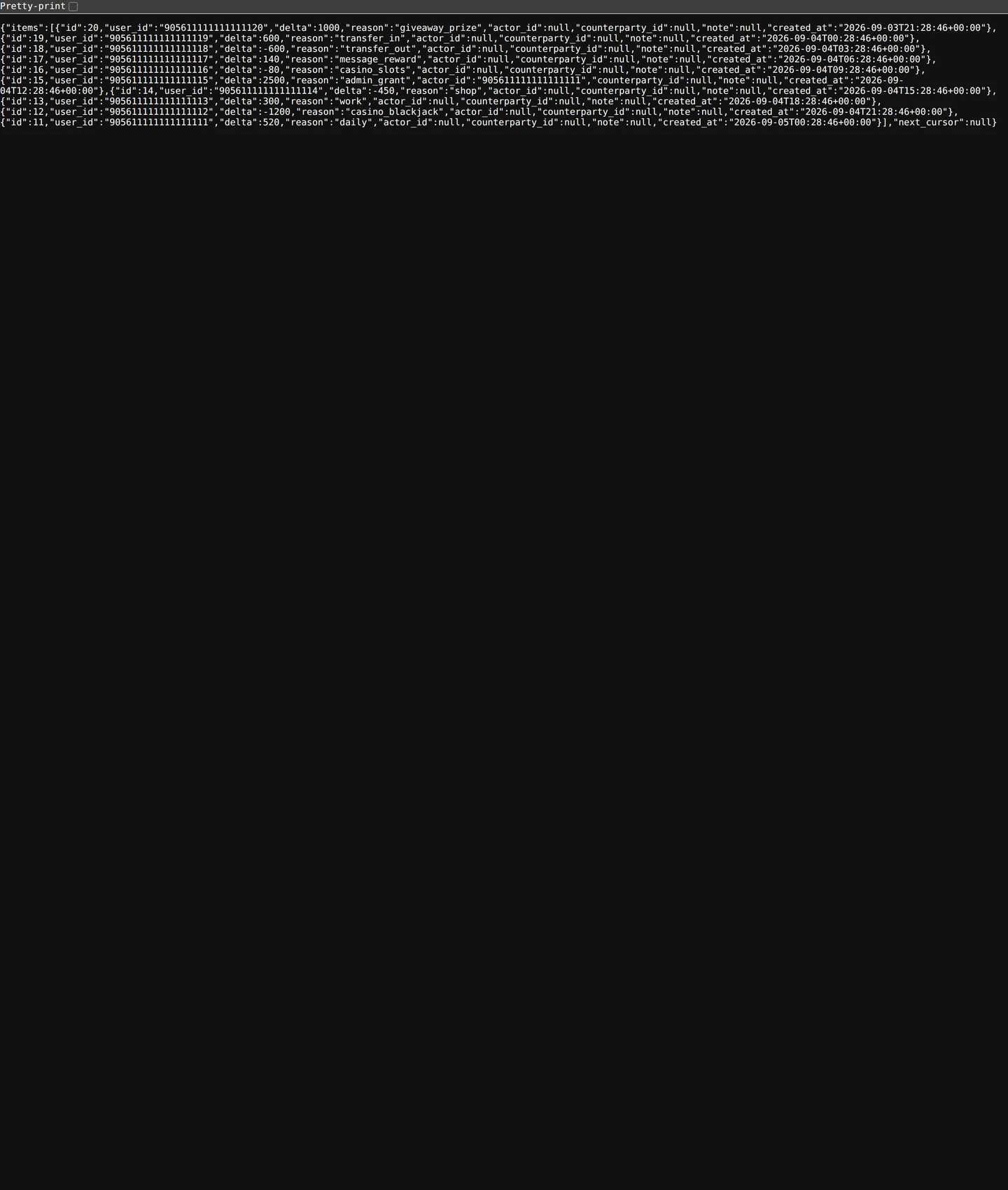 Economy → Ledger, the audit trail behind every balance.
/peconomy give @user <amount> [reason]
Grant currency. Doesn't affect another member's balance — it mints new currency. Use for:
- Compensating a member for a server issue
- Event prizes
- Recovering from
/peconomy takemistakes
The grant logs to the ledger with your user ID and the optional reason.
/peconomy take @user <amount> [reason]
Burn currency from a member's balance. Used for:
- Reversing fraudulent transfers
- Penalty for rule-breaking
- Cleanup after accidental grants
If the member has less than amount, only what they have is removed (their balance can't go negative).
/peconomy set @user <amount> [reason]
Set absolute balance. Overwrites whatever they had. Useful for:
- Migrating from a previous bot's currency ("everyone starts at 500")
- Surgical corrections
/peconomy reset @user
Wipe to zero. Equivalent to set 0 but with a confirm prompt because it's destructive.
Permissions
All four require economy.edit (or owner / Administrator). If your Team Role has only economy.view, the commands return a friendly "you don't have permission" error.
Ledger entries
Every admin command logs to the ledger with:
- Actor (you)
- Action (grant / take / set / reset)
- Amount
- Reason (the
[reason]arg) - Timestamp
- The before + after balance for the target
The dashboard's Economy → Ledger page surfaces this; it's also exportable as CSV.
Tips
- Always include a reason. Six months from now you'll want to know why you gave someone 10K coins.
- Big grants should be announced. A surprise 100K drop in someone's account looks like an exploit if not communicated.
- For event payouts, batch via the dashboard. The dashboard supports multi-select-then-grant. Faster than 50 slash commands.
Limits
- One operation at a time per actor (Phantom enforces a soft per-command cooldown).
amountis capped atmax_balance(default 1B per guild). You cannot exceed this.