
Reviews
Crowdsourced member reviews (1–5 star + freetext) with staff-curated public display.
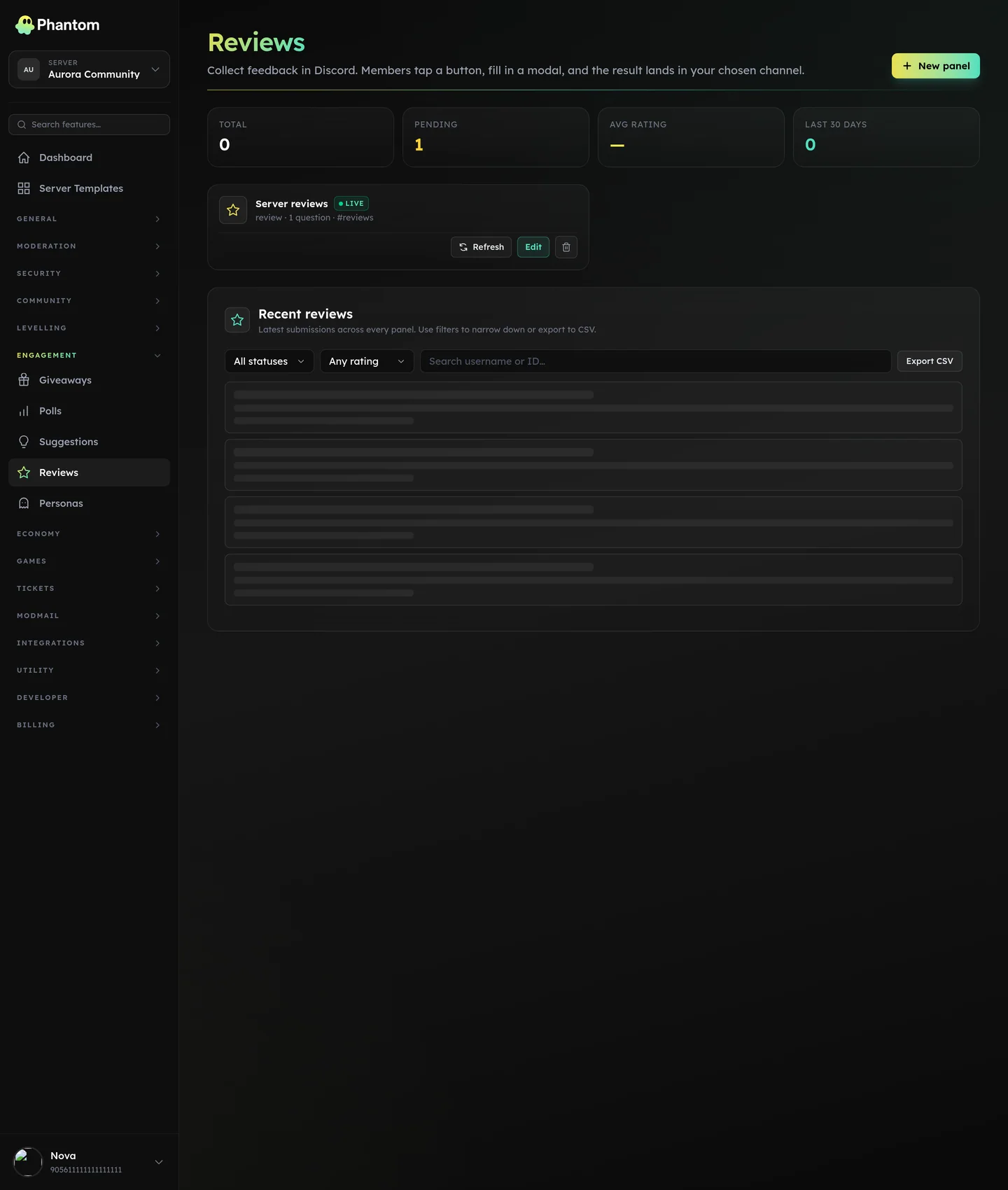 Engagement → Reviews.
How it works
- A member submits a review via a panel button.
- Staff approve / deny / respond.
- Approved reviews surface publicly (channel embed, public landing page if configured).
Where it lives
Dashboard: Engagement → Reviews. Submission via a Phantom panel button.
Anonymous reviews
Turn on Allow anonymous in the panel's Rules tab and the posted panel grows a second button, Leave anonymously, next to the usual one. The choice has to be made there rather than inside the form: a Discord modal carries text inputs only — there is no checkbox to tick — and its five rows are already spent on the rating and the questions.
Anonymity hides the name and avatar from the embed that lands in the channel. Staff still see who submitted it, in the dashboard and in the audit log, so bans and moderation keep working.
Toggling the setting re-posts the live panel so the button appears (or goes away) straight away. Other panel edits — title, description, button label — still need Refresh to reach Discord, and a panel that was already posted with the setting on needs one Refresh to pick the button up.
Permissions
engagement.view— read the listengagement.edit— approve / deny / respond / ban a reviewer
Tips
- Approve liberally — reviews build social proof. Even mediocre 3-star reviews look better than no reviews at all.
- Always respond. A 5-star review answered with a thank-you reads well; a 1-star review answered with an apology + fix path looks even better.
- Ban bad-faith reviewers rather than denying their submissions one by one.