
Server Templates
Save your server's layout — roles, channels, categories, permissions — as a one-click restoration blueprint or a shareable template.
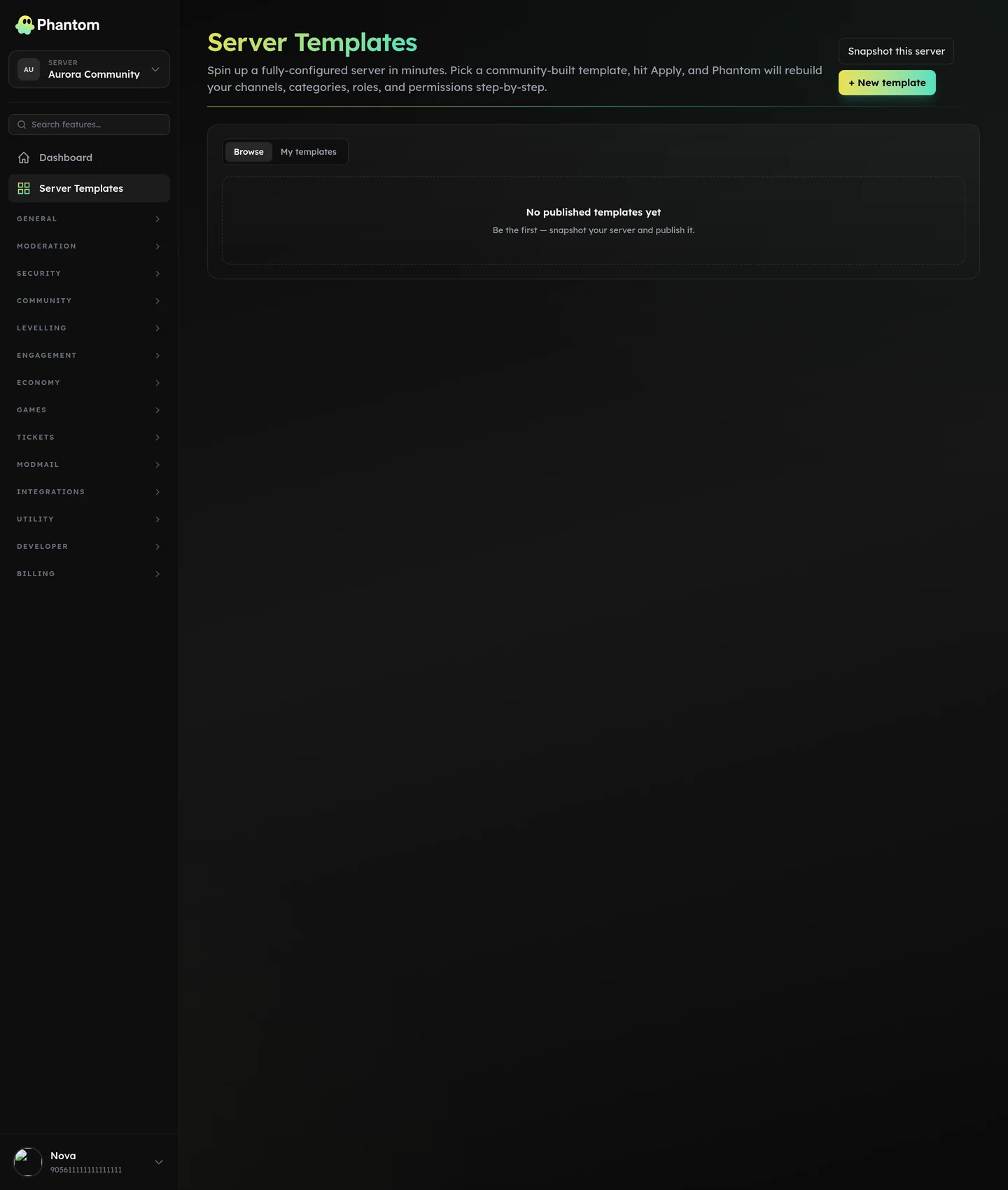 Server Templates.
Two uses
- Backup before risky changes. Snapshot, then experiment. If you wreck things, restore.
- Share / clone. Publish a template publicly so other servers can apply it. Or replicate your layout across sister servers in seconds.
Distinct from Server Backup which is security-flavoured and tracks pre/post diffs more carefully.
Where it lives
Dashboard: Server Templates. Also /server-templates public gallery.
Creating a template
- Open Server Templates → Snapshot now.
- Phantom captures the server's current state.
- Optionally Publish it to the public gallery (with a name, description, tags).
Applying a template
- Browse the gallery or paste a template URL.
- Click Apply.
- Review the diff (what would be created / deleted / modified).
- Confirm.
Apply is destructive in the sense that it modifies your server — but it auto-creates a pre_apply snapshot first so you can roll back.
Public gallery
Anyone can browse public templates at /server-templates. Each template page shows:
- Server-layout preview
- Apply count
- Ratings + recent applies
Templates are reviewable by Phantom admin staff for safety (no malicious permission configurations slip through).
Permissions
server_templates.view— see templates listserver_templates.edit— snapshot, publish, apply
Behaviour
- Apply runs in the background; the dashboard shows progress as it goes.
- A cancel mid-apply leaves the server in a partial state — use the
pre_applysnapshot to recover.
Tips
- Snapshot weekly even if you don't think you'll change anything. Free safety net.
- Don't publish your live server's template publicly. Anyone applying it gets your role permissions copied — fine for generic templates, leaky for production servers.
- Pre-test imports by applying to a separate test server first.
Related pages
- Server Backup — the security-side equivalent