
Embed Builder
Drag-and-drop editor for Discord embeds. Publish to a channel or use as a template across Phantom modules.
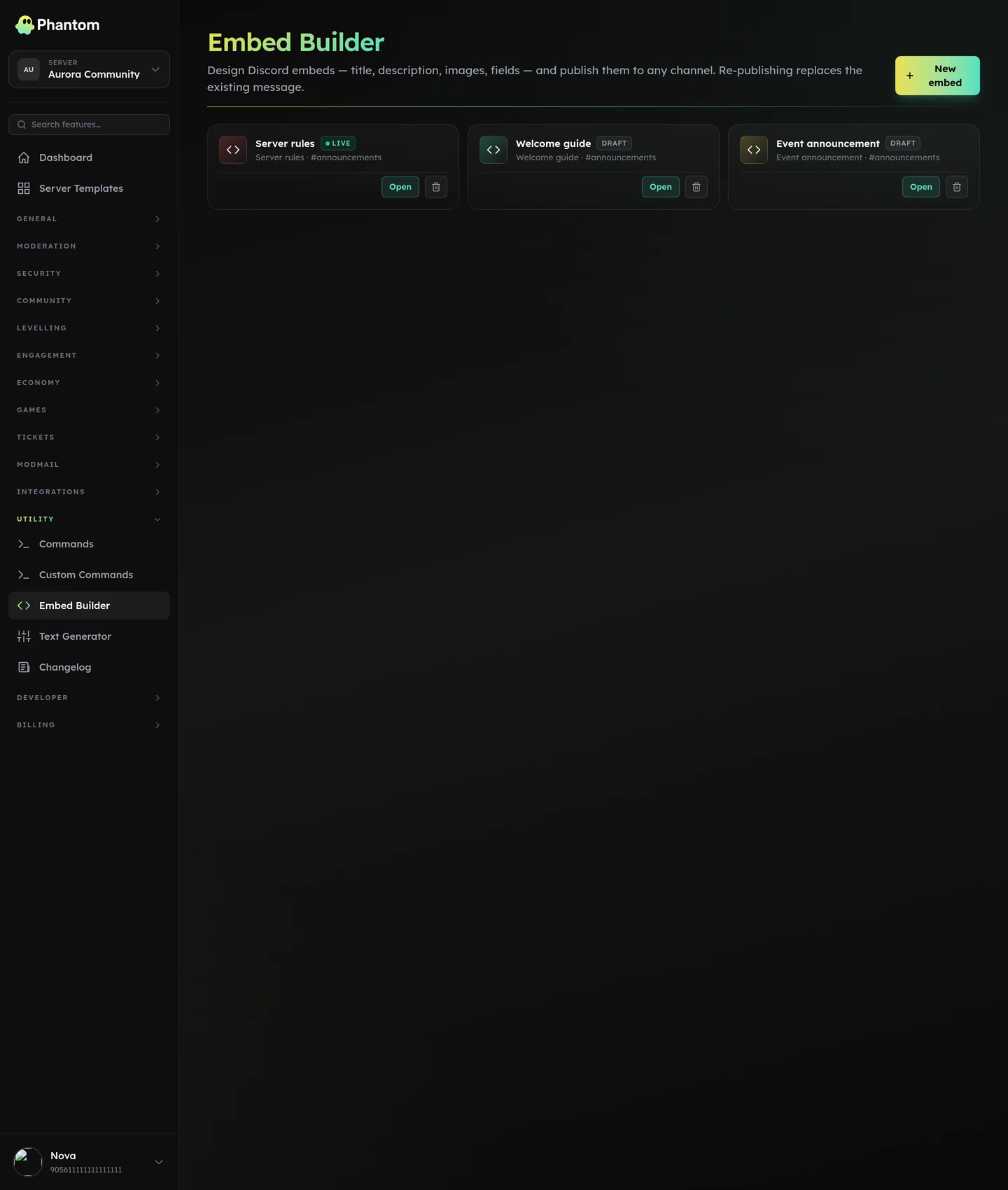 Utility → Embed Builder.
What an embed is
A Discord embed is a styled message block with:
- Title + URL
- Description (markdown supported)
- Color stripe on the left
- Author block (name + icon + URL)
- Thumbnail (small image, top-right)
- Fields (name/value pairs, optional inline)
- Image (large image, below description)
- Footer (small text + icon)
- Timestamp
- Link buttons underneath the message
Where it lives
Dashboard: Embed Builder.
Designing an embed
- Open Embed Builder.
- Live preview on the right shows what the embed will look like.
- Edit the fields on the left.
- Save the draft (you can come back later).
- Publish — pick a channel + send.
Link buttons
Add clickable buttons below the embed that take members straight to a URL — your store, a form, your website, a rules page.
- Open an embed and scroll to Buttons.
- Add button, then set:
- Emoji — a normal emoji (
🔗) or a custom one from your server (<:name:id>). - Label — up to 80 characters. Optional if you set an emoji.
- URL — must start with
http://orhttps://. - Row —
Autopacks buttons in order, or pin a button to rows 1–5 to control the layout. - Greyed out — renders the button unclickable, handy for a "coming soon" slot.
- Emoji — a normal emoji (
- Reorder with the ↑ / ↓ arrows. The live preview mirrors the exact row packing Discord will use.
Limits:
- 25 buttons per embed — 5 rows of 5.
- Discord draws link buttons in its grey link style with an ↗ glyph. That part isn't themeable by any bot; the label, emoji, order, and row layout are.
- Publishing is blocked while a button is missing a label/emoji or a valid
https://link, so nothing silently disappears from the posted message.
Reusable templates
Save embed designs as named templates. Reuse them from:
- Scheduled Messages
- Tickets — type welcome embeds
- Welcome & Leave — welcome embed mode
- Custom Commands — embed response
Tips
- Use color sparingly. A consistent color across your server (matching your brand) reads better than a rainbow of mismatched embeds.
- Field limits: 25 fields per embed, 256 chars per field name, 1024 per field value.
- Total embed limit: 6000 characters across all text fields. Phantom shows a live count.
- Markdown works in descriptions and field values. Use
**bold**,*italic*,`code`, lists, links.
@role and #channel mentions
Type @RoleName or #channel-name straight into the body / fields / footer and Phantom turns them into proper coloured, clickable mentions when the embed posts. They're resolved against your server's live role and channel lists.
- The editor keeps your
@RoleName/#channel-nametext so it's still readable when you come back later. - Only roles you actually
@-mentioned will ping — a stray@everyonetyped as literal text still won't. - Same behaviour applies to Scheduled Messages, Ticket Panels, Reaction Roles, Interactive Panels, Custom Commands, and Welcome / Leave.
Image URLs
Paste any link into the image, thumbnail, author-icon, or footer-icon field. Phantom resolves it when you save:
- Direct image URLs (
.png,.jpg,.webp, …) are used as-is. - Share / redirect links (Google share links, social-media share URLs, etc.) are followed and the actual image is pulled out — Phantom checks the destination for an image or its social-preview tags so the embed actually shows the picture.
- If something can't be resolved, your original input is kept so you don't lose what you typed.
- Phantom only follows public HTTPS links — internal or private network URLs are blocked.
Permissions
embeds.view— see saved templatesembeds.edit— create / edit / publish
Behaviour
- Publish sends the embed via the bot — uses your Custom Branding identity if you have one.
- Templates are stored per-guild; no cross-server reuse.