
Sticky Messages
Keep an important message pinned to the bottom of a channel. Whenever someone chats, Phantom quietly moves its message back down so a set of rules, a notice, or a link never scrolls out of sight.
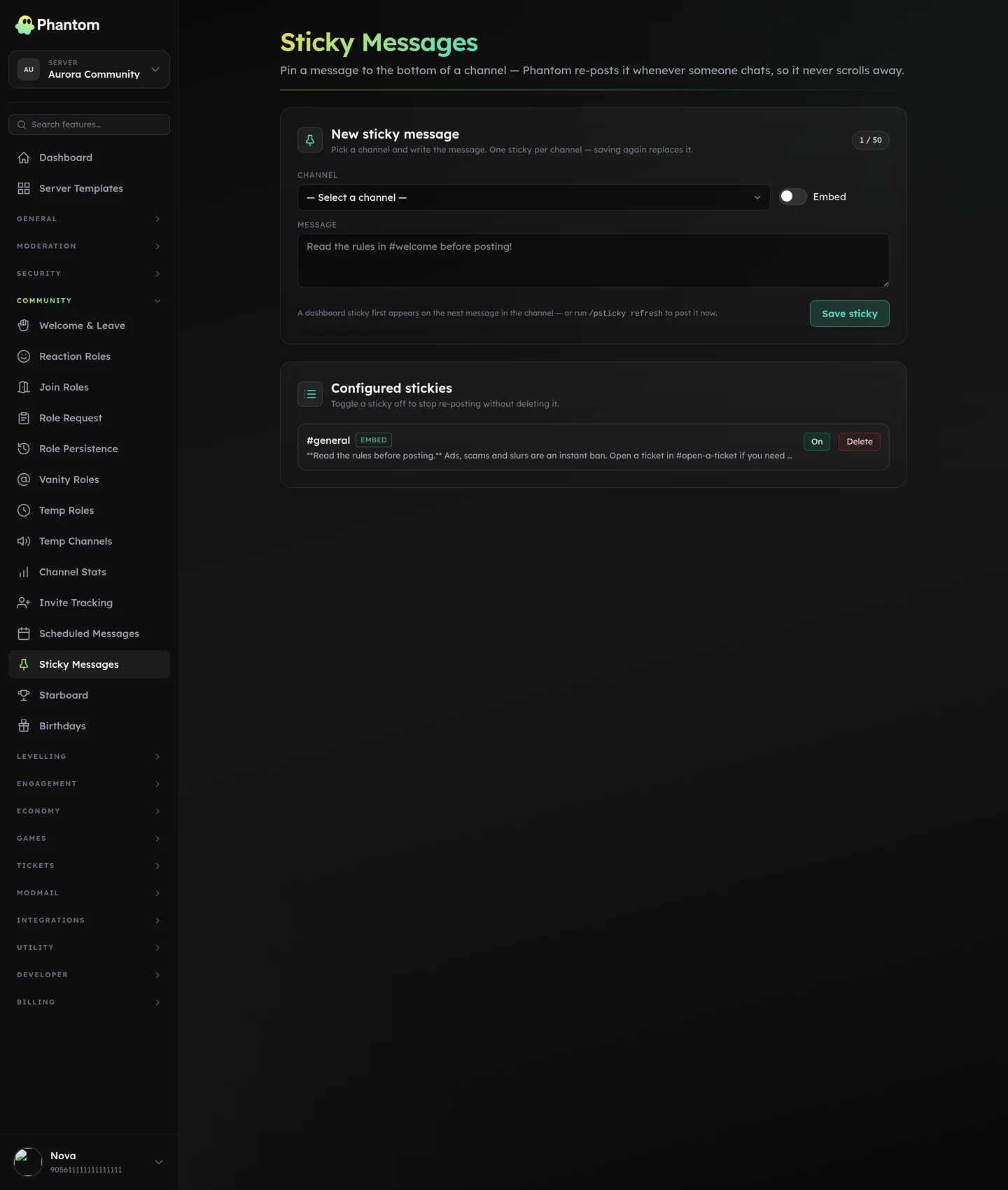 Community → Sticky Messages.
Where it lives
Staff slash command: /psticky. Set it in the channel you want the sticky to live in.
Slash commands
All of these are staff-only.
/psticky set <message> [embed] [color]— set or replace the sticky in the current channel.message— the text to keep at the bottom.embed— set to true to post it as an embed instead of plain text.color— an accent colour for the embed (a hex code like#50E0C0). Only applies whenembedis on.
/psticky remove— remove the sticky from the current channel./psticky refresh— force the sticky to jump back to the bottom right now./psticky list— list every channel in the server that has a sticky.
Good to know
- When a channel is busy, Phantom waits a moment and re-posts once instead of after every single message, so the sticky never spams the channel.
- Plain-text stickies can be up to 2,000 characters; embed stickies can be up to 4,096.
- Stickies never ping anyone — mentions in the text won't notify members.
- Phantom needs Send Messages in the channel (and Embed Links for embed stickies). It also uses Manage Messages to tidy up its previous copy; without that permission the sticky still works, but older copies aren't cleaned up.
Troubleshooting
| What you see | What to check |
|---|---|
| The sticky isn't moving to the bottom. | Give it a couple of seconds after the latest message — re-posts are grouped so they don't spam. Check Phantom has Send Messages here. |
| Old copies of the sticky pile up. | Grant Phantom Manage Messages so it can remove its previous copy. |
| The embed colour is ignored. | color only applies when embed is turned on. |
Related pages
- Scheduled Messages — post messages on a timer
- Welcome & Leave — greet members on join
- Embed Builder — design richer messages