
Scheduled Messages Phantom Pro
Post a message or embed at a specific time, once or on a recurring schedule.
Phantom Pro feature
Scheduled Messages is a Phantom Pro feature. Phantom Pro is £4.99/month or £49.99/year and covers one server. On a Free server the dashboard page opens to a locked view with an upgrade link, and the feature stays switched off in Discord until you subscribe from Plans & Billing.
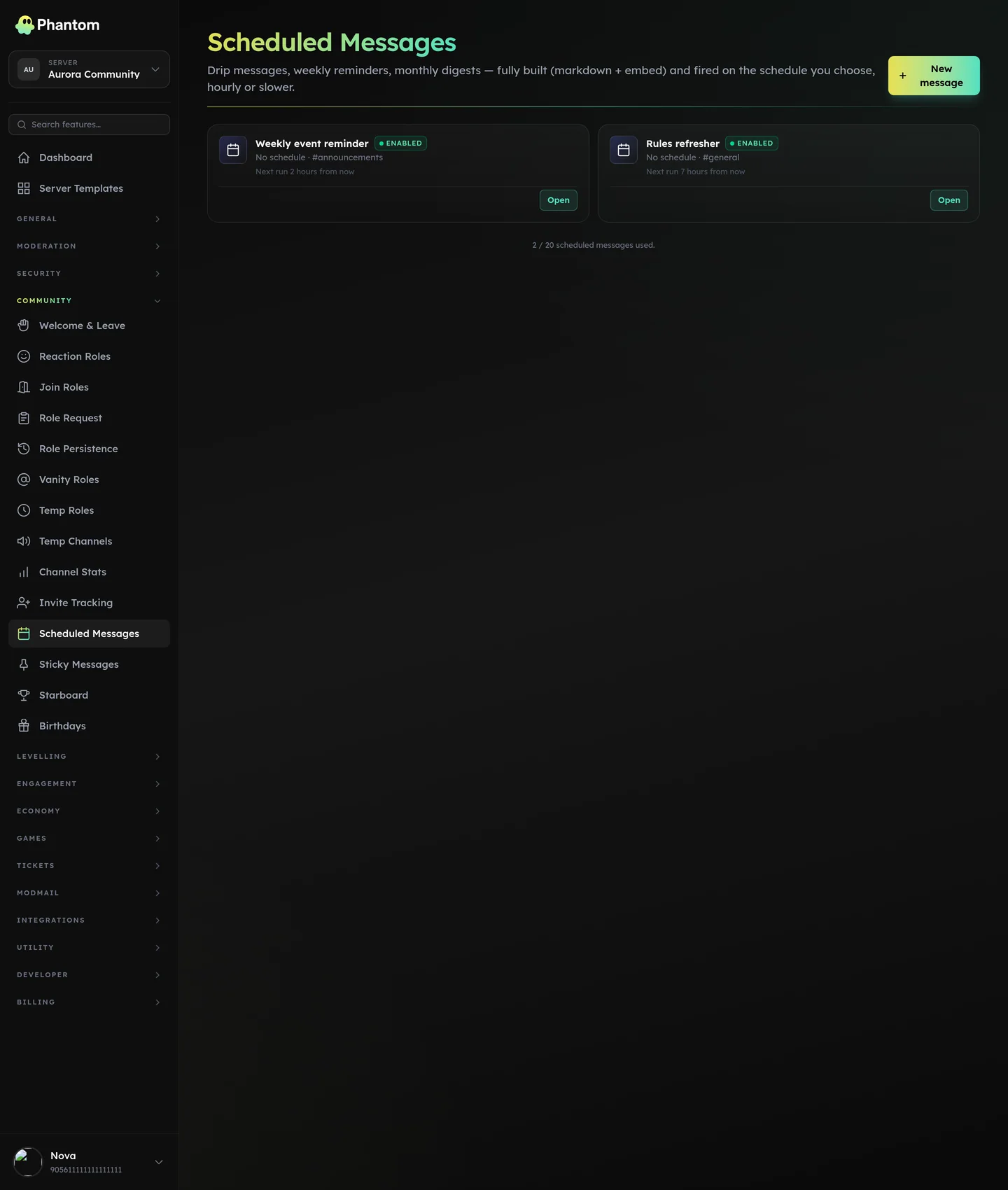 Community → Scheduled Messages.
When to use
- Weekly Sunday "events this week" post
- Daily 9 AM "good morning" embed
- One-off announcement scheduled for later
- Monthly newsletter
Where it lives
Dashboard: Community → Scheduled Messages.
Schedule types
- Once — fires at a specific datetime.
- Daily — fires at the same time every day.
- Weekly — fires on specific weekday(s) at a specific time.
- Monthly — fires on a specific day of the month at a specific time.
Times are evaluated in the guild's configured timezone (set in Guild Settings).
Per-message config
- Channel — where it posts.
- Content — text body. Supports markdown.
- Embed — optional rich embed (title, description, color, fields, image, footer).
- Frequency — once / daily / weekly / monthly.
- Time — when (per the schedule type).
Permissions
community.view— see scheduled messagescommunity.edit— add / edit / delete
Behaviour
- Messages fire within ~30 seconds of their scheduled time.
- If a send fails (e.g. permission revoked) Phantom retries a few times; after 5 consecutive failures the message auto-disables.
- One-off messages auto-archive after firing (kept in the list with status "sent" for history).
- Recurring messages show the last-sent time and next scheduled run.
Tips
- Test in a private channel first before scheduling to your announcements channel.
- Use embeds for important messages — they're more visually distinct than plain text.
- Disable rather than delete recurring messages you're temporarily pausing. Easier to re-enable.
Limits
- No hard per-guild cap, but very high counts (1000+) may slow the dashboard list view.
Related pages
- Embed Builder — for designing embeds reusable across scheduled messages
- Custom Commands