
Blacklist
A list of Discord user IDs that get auto-actioned the moment they join your server. The simplest possible "this person is not welcome" filter.
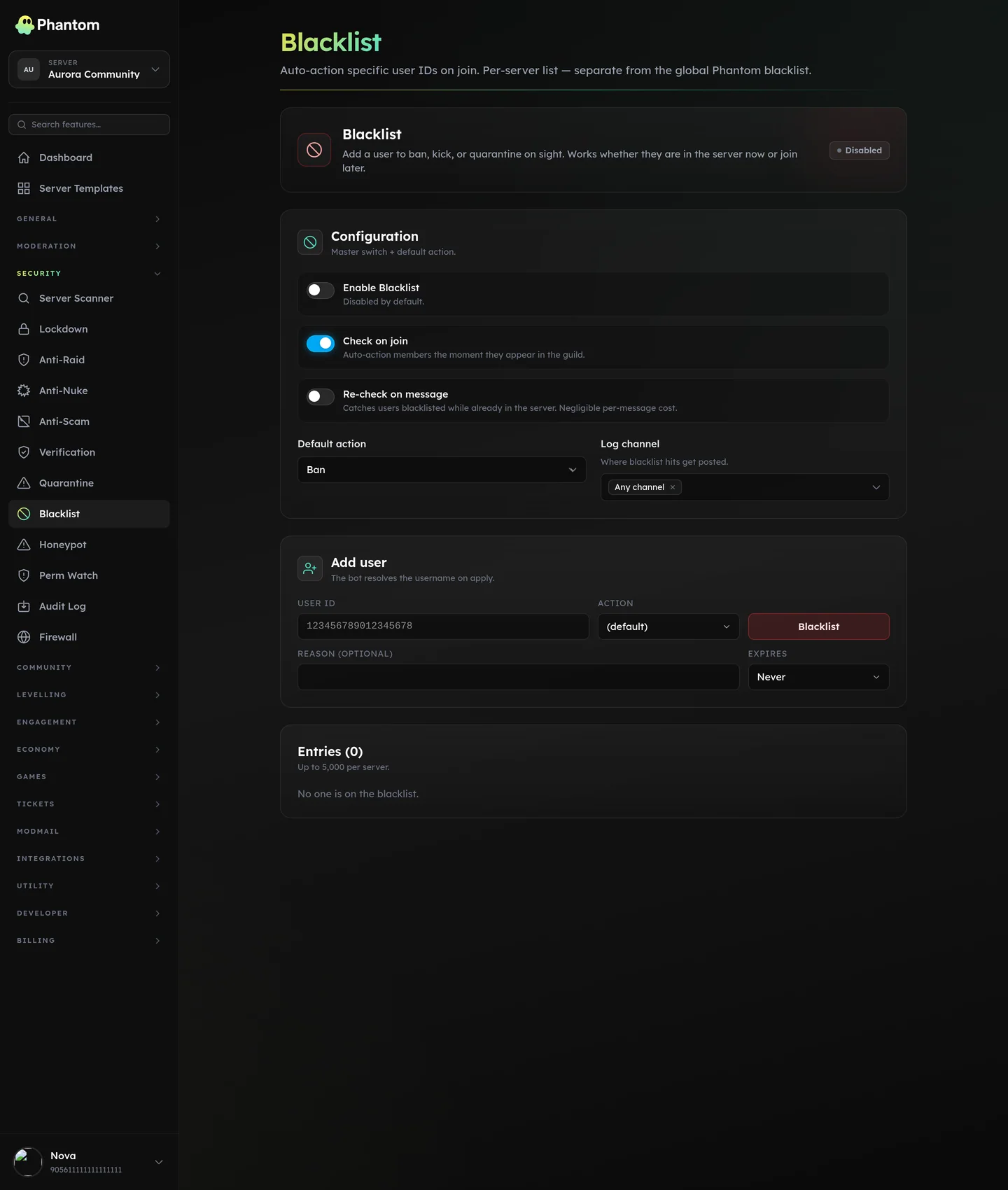 Security → Blacklist.
When to use it vs Firewall
- Blacklist = "I know this user ID and want them auto-actioned."
- Firewall = "I want a pattern-based filter (age, avatar, regex on username, etc.)."
You'd add a user to the blacklist when:
- They got banned from a friend's server and you want them pre-banned from yours.
- They're a known harasser whose accounts you've seen before.
- They've been kicked from your server and you want them auto-banned if they rejoin.
Settings
| Setting | What it does |
|---|---|
| Enabled | Master switch. |
| Default action | ban / kick / quarantine. What to do to a blacklisted joiner. |
| Log channel | Where blacklist hits log. |
| Reason | A canned reason attached to the auto-action. |
Adding entries
Two ways:
- Manually — dashboard → Add → paste user ID + optional reason.
- From User Lookup — open a member's lookup → "Add to blacklist" button.
A single entry has: user_id, action, reason, added_by, added_at.
Limits
- 5,000 entries per guild.
Permissions
security.view— read the listsecurity.edit— add / remove entries
Behaviour
- Check happens on join. The user is auto-actioned before they see any channels.
- If the user is already in the server when you blacklist them, they're not retroactively kicked — you have to action them manually.
- Removing from the blacklist doesn't un-action; they're still banned/kicked. You have to manually unban.
Tips
- Always include a reason. Six months from now you won't remember why you blacklisted someone.
- Pair with Cross-Server Sync in the future when fed-trust blocklists ship.
- Don't dump huge lists indiscriminately. The blacklist is high-cost-of-error.
Related pages
- Firewall — pattern-based variant
- User Lookup — easiest place to add someone