
Join Roles
Automatically assign roles to every new member on join.
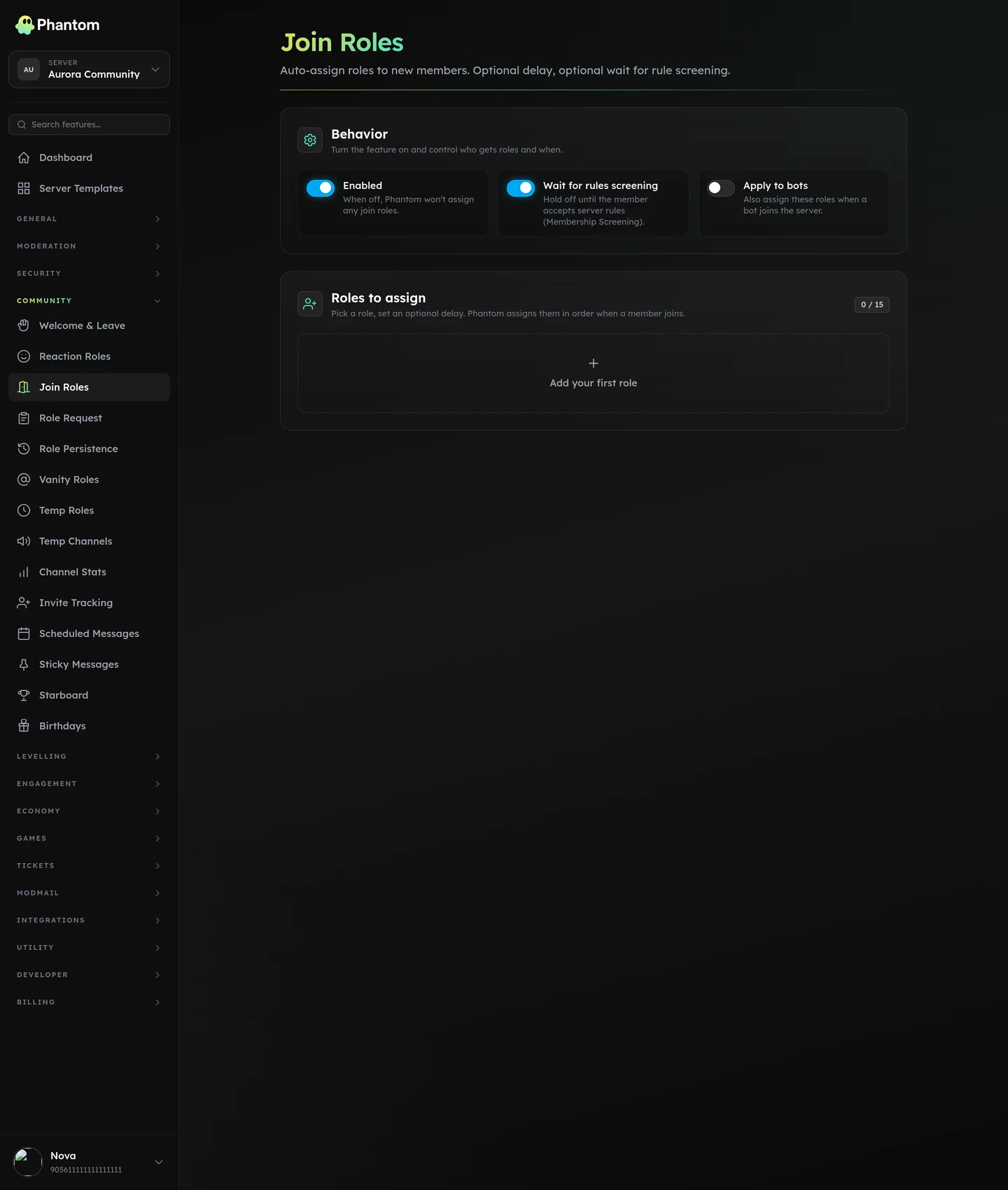 Community → Join Roles.
Where it lives
Dashboard: Community → Join Roles.
Setup
- Toggle Enabled.
- Pick one or more roles from the role picker.
- Save.
Every new join gets those roles within seconds of joining.
Common patterns
- "Member" role that gates basic access (channels, voice).
- "Unverified" role if you're using Verification channel-gating — the unverified role hides channels until verification passes.
- "Notifications" role that members can opt out of with Reaction Roles.
Hierarchy
Phantom's role must be above any role you want to assign. If you see "role hierarchy" in Error Log, drag Phantom up.
Bot accounts
By default join-roles skip bot joins. There's a toggle to include them if you'd rather bots get role-stamped too.
Rules screening
If your server uses Discord's Membership Screening ("Rules Screening"), a new member is pending until they accept the rules. With Wait for screening on — the default — Phantom holds the roles back until they do, so a member sitting at the rules gate has no roles yet. Turn the toggle off to assign on entry instead.
Permissions
community.view— see settingscommunity.edit— change roles