
Interactive Panels
Custom message-based UIs with buttons, select menus, or webhook triggers. Each click runs a configurable chain of actions.
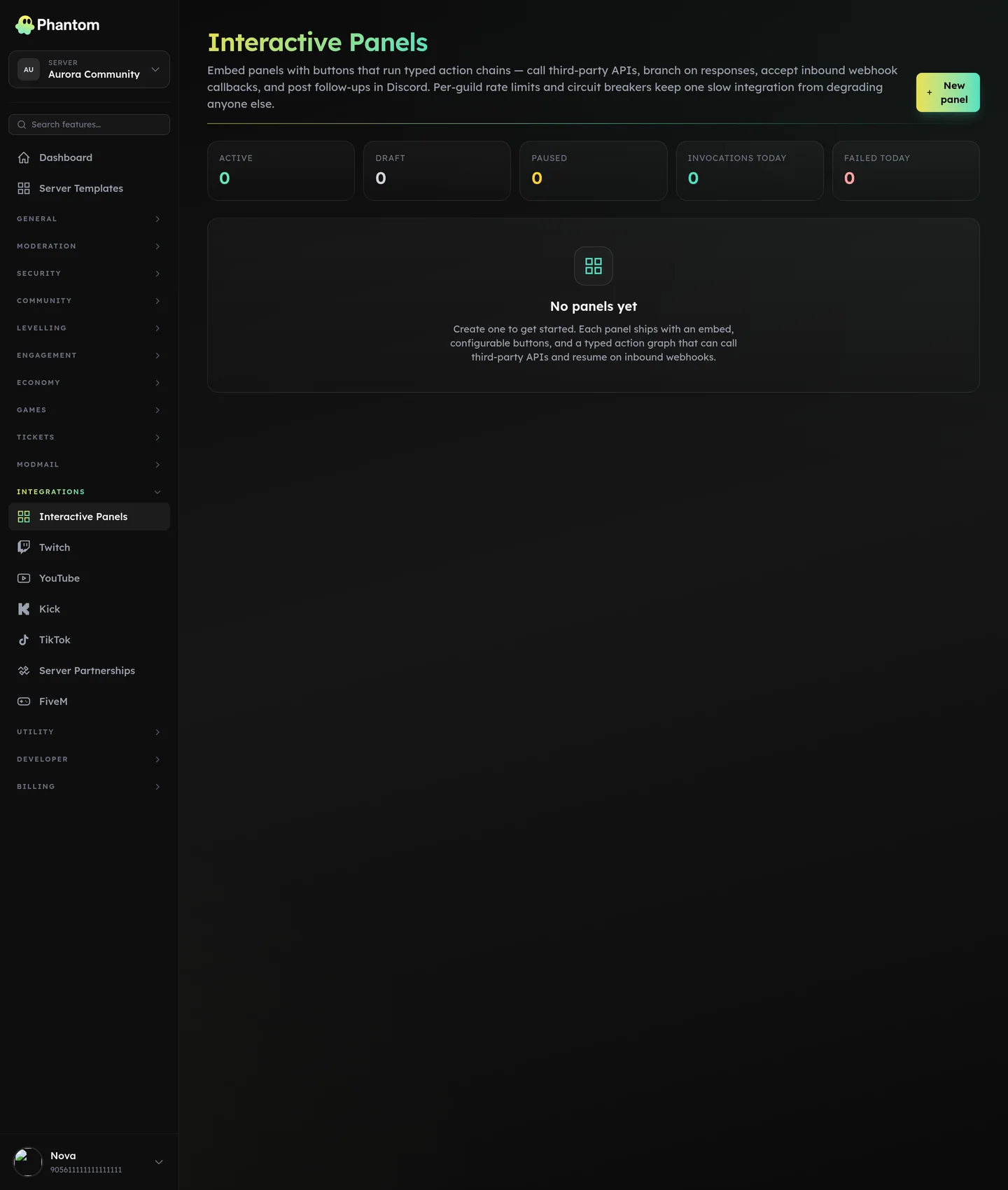 Utility → Interactive Panels.
What you can build
- Self-service role pickers — buttons that grant / remove specific roles per click.
- Application workflows — "Apply" button → modal → submit → notify staff role.
- Quick-action panels — "Refresh stats" button that re-runs a stats embed.
- External webhook bridges — buttons that POST to your own webhook endpoint.
Think of it as "more capable than Custom Commands, less code than a custom bot."
Where it lives
Dashboard: Builders → Interactive Panels.
Actions you can chain
Each button can chain multiple actions:
| Action | What it does |
|---|---|
reply_text | Post a text reply (ephemeral or public). |
reply_embed | Post an embed reply. |
edit_panel_message | Modify the panel itself (refresh, update). |
send_followup | Post a follow-up message. |
dm_user | DM the clicker. |
add_role / remove_role | Grant or strip a role. Permission-gated (see below). |
send_to_channel | Post to a different channel. |
show_modal | Open a Discord modal form. |
delete_message | Delete a specific message. |
react_with_emoji | React to a message. |
http_request | Hit an external HTTP endpoint. |
set_variable | Store a value for use later in the chain. |
parse_json | Parse JSON response from an http_request. |
if | Conditional branching. |
stop | Stop further actions. |
await_webhook | Pause until your webhook responds. |
Webhooks
Panels can call your own webhook via http_request (outbound) AND receive callbacks at phantombot.gg/webhooks/interactive-panels/{slug} (inbound). Inbound callbacks are signed so you can verify the request came from Phantom.
Use this to integrate with your own backend — application reviews, ticket-system mirroring, custom analytics.
Role-grant gating
The add_role / remove_role actions check that the clicker has permission to grant the role:
- Targeting another user → requires the clicker to have Discord Manage Roles
- Self-granting a role with elevated perms (Administrator, ManageGuild, etc.) → also requires Manage Roles
This is a security guard — without it, a panel could be exploited to self-grant @Admin.
Permissions
panels.view— see panelspanels.edit— create / edit / delete
Limits
- Max button count per panel: 25 (Discord cap)
- Max actions per button chain: ~16 (deep chains warn)
if matchesregex patterns are capped at 256 chars and limited to a 4 KB input — keeps a runaway pattern from locking up the panel
Tips
- Start simple. A single "give me the @Notifications role" button is a good first panel.
- Use ephemeral replies for confirmations so the panel chat doesn't fill with "✅ done" messages.
- Test
if-branches thoroughly — the conditional engine doesn't catch type errors at save time.
Related pages
- Custom Commands
- Embed Builder
- Reaction Roles — simpler "react = role" pattern